The Koperateur Labs guide
Koperateur Consulting’s R&D showcase: AI architectures, simulated machines, numerical spaces and documented experiments.
Koperateur Consulting R&D
Koperateur Labs is Koperateur Consulting’s research workspace and showcase for exploring artificial intelligence architectures. Its purpose is to formulate testable questions, study configurations that are difficult to assemble physically, connect findings to sources and advance research together.
Understanding neural network capacity also means studying the resources, memory and communication supporting computation. LABS brings together machine simulation, numerical-space visualization, scientific documents and reproducible experiments.
A simulated machine here is a model of resources and costs. The laboratory does not provide an operating-system virtual machine or remote access to a physical GPU.
What we aim to study
- Architectures and network capacity: examine how compute, storage, placement, precision and communication constrain AI architectures. More resources alone do not demonstrate improved intelligence.
- Latent spaces and states: visualize dimensions, vectors, recurrence and interactions. Currently computed states are numerical witnesses, not representations extracted from a trained neural network.
- Unavailable hardware: configure CPU/GPU, RAM/VRAM, PCIe and NVMe scenarios to compare machines we do not own, using documented values, units and conditions.
- Physical constraints: study capacities, bandwidth, transfers, power, energy and temperature. Assumptions remain identifiable and coefficients require comparison with calibration measurements.
- CUDA: prepare research into GPU computing and CUDA-kernel constraints without immediately requiring target hardware. Running or emulating real CUDA kernels is not integrated into the current engine.
- Assisted document research: connect PDFs, passages and observations with future document-grounded AI analysis, citations, contradiction checking and human review.
A question, a protocol, a result
Question: how does PCIe contention change the simulated duration of the same workload?
- Select a profile and record the sources for capacities, bandwidth and efficiency assumptions.
- Keep the workload, seed, cycle count and placement policy identical.
- Run a baseline, then another experiment with more PCIe background traffic. Changing one constraint helps isolate its effect in the model.
- Compare simulated duration, transfers and estimated energy, then inspect trace differences.
- Freeze both experiments in the notebook, document the hypothesis and limitations, export results and verify replay.
Deliverable: two documented experiments with parameters, sources, traces and exportable results. This is an example protocol, not a claim of a measured result on physical hardware.
An explicit evidence-based method
- Formulate: define the question, scope and evidence that could disprove the hypothesis.
- Source: retain originals, references and cited passages. Distinguish observations, specifications, assumptions and computed results.
- Experiment: document parameters, seed, interventions, conditions and model limitations.
- Challenge: seek contradictions and compare available calibration data. Unverified findings still require qualification.
- Reproduce and review: enable human examination, replay and discussion of conclusions. An application review is not scientific certification.
The planned document assistant must retrieve sources, cite passages, flag disagreements and decline insufficiently supported conclusions. Reliability requires demonstrated checks and human review; using AI does not establish it.
Available now and what comes next
- Available: configurable analytical simulation, system maps and recurrent states, event traces, private accounts and documents, PDF upload and extraction, observations, profiles, notebook, replay and exports.
- To qualify: physical fidelity and calibration by hardware, workload and conditions; complex tables, equations and document cases.
- In qualification: an on-demand document assistant using your own API keys (OpenAI, Claude, DeepSeek, OpenRouter). Every quote is compared word for word with the page text; a claim that cannot be found is rejected. Its operation with real providers is being qualified and its interpretation still needs review.
- In qualification: connecting a personal subscription through the providers’ official tools, reserved to its holder.
- Research directions: real networks and latent representations, hardware and CUDA integrations, comparison with physical measurements. The current analytical engine executes neither real CUDA kernels nor real LLMs.
Follow progress in the public laboratory changelog.
Operator and contributions
The laboratory is operated by Koperateur Consulting. Its website introduces the company and provides a way to contact it about LABS or contributions.
Authors document their assumptions and the limits of their conclusions. Researchers can submit work; people with review permissions examine submissions. Authors, sources, scope and uncertainties should remain explicit. A reviewer account role does not constitute scientific qualification.
Private originals and work are not available in public documentation. Submitting them for review or publishing them requires an explicit action.
Arrange your map
Arrange map lets you spread components and zones across a grid. Drag an element with a mouse or finger, or select it from the list and use the four arrow buttons. Connections follow components. Select Whole view to pan with the buttons.
With a keyboard, reach a component using Tab and move it with arrow keys; Shift increases the step. Escape cancels a drag in progress. Inspect details opens the inspector. Select Done to restore direct inspection by clicking.
Your layout is saved automatically to your account and restored when opening the laboratory on another device. System and Thermal share their organization; Cognition has its own. Moving visuals changes neither physical constraints nor results.
Check the save status. A network failure preserves the visible layout and offers Retry. If another session saved a newer version, explicitly load the account layout. Initial layout resets the current view; Undo can reverse that reset or the last move.
Getting started
- Open the system map. Its cards represent the CPU, GPU, memory, storage and numerical states of the scenario.
- Sign in or create your account to modify scenarios and save your work.
- Choose a profile on the left or expand a parameter family. Values retain their source and status.
- Start continuous playback, pause it or complete one cycle. Freeze the result in your notebook.
Public pages state the date of their last real content change; /llms.txt indexes them and /llms-full.txt holds their full text.
Navigating the cockpit
Settings and runtime are on the left. The scene occupies the centre. The inspector, sources and actions are on the right. The trace remains below the scene.
- Inspect: click a component, or reach it with Tab and press Enter.
- Zoom: use + and −, or Ctrl/Cmd + wheel.
- Pan: drag an empty area of the scene. Fit restores the view.
- Expand: F expands the scene; Escape restores panels. The full-screen button uses browser full screen.
- Search: Ctrl/Cmd + K opens view and parameter search.
- Mobile: open settings and the inspector using the scene buttons. The top menu provides all views.
The laboratory and its public pages are available in French and English. On a first visit, the language follows your browser; a later choice is remembered. Switch language at any time from the header button or your account preferences, without reloading the page or losing the current experiment.
On a narrow screen, the settings panel and the inspector fold so the map stays visible; reopen them with their buttons, including after resizing the window.
Understanding readings
Specified identifies a value attributed to a documentary source. Assumption identifies a chosen or assumed parameter. Computed identifies output from the analytical model. None of these statuses, on its own, is a physical measurement.
CPU and GPU cards show activity in a rolling 250-millisecond simulated window. The inspector shows the average since the start of the run. Memory and temperature describe the last completed cycle.
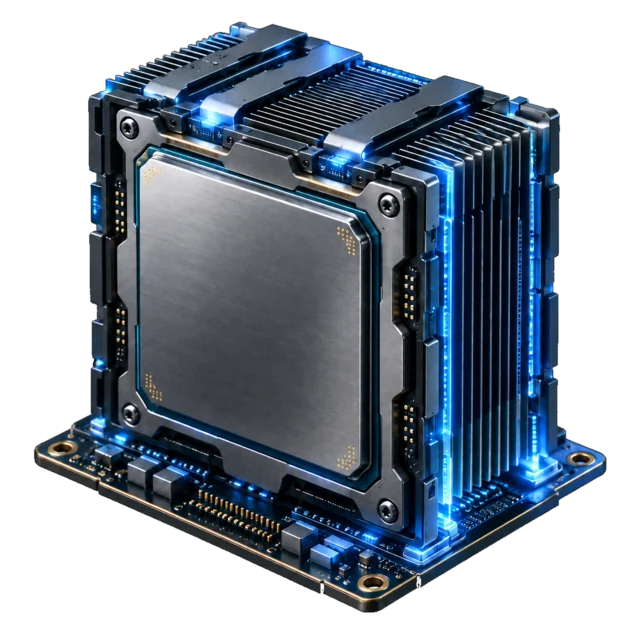
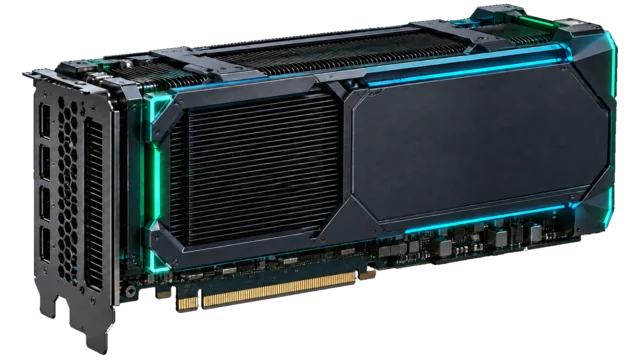
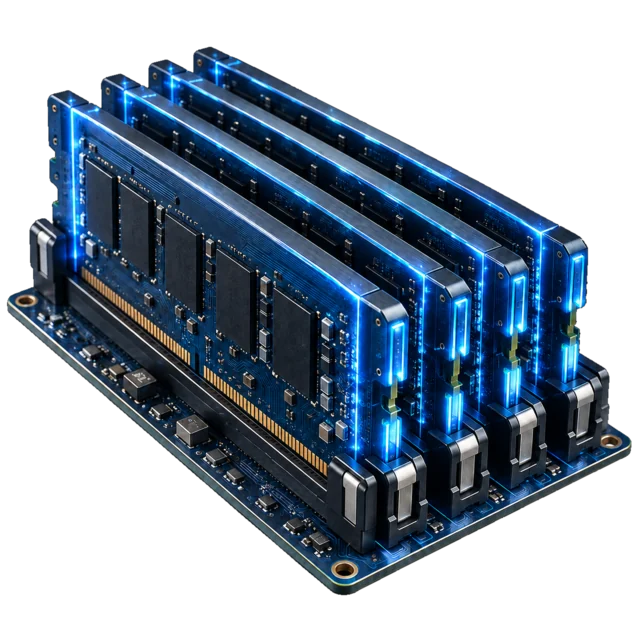
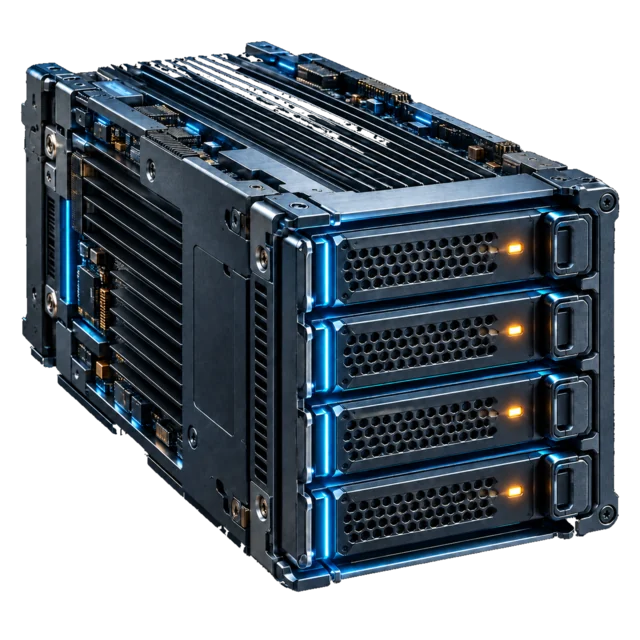
The current engine is an uncalibrated exploratory analytical simulator. Recurrent states and HNSW descriptors are small numerical objects that are actually computed; they do not represent an LLM’s thoughts. Hardware illustrations are neither photographs nor CAD models.
Running an experiment
At ×1, the clock aims to play one simulated second in one real second. Playback speed changes the display, not model costs. Hiding the tab pauses playback. Visual motion can be reduced without changing computation.
A new signal, branch or contention is applied at a cycle boundary and recorded. A structural change starts a new run. Snapshots preserve the last completed cycle, excluding any cycle in flight.
The trace provides a timeline, event list and curves. Solid marks represent completed operations; dashed marks represent planned operations.
Documents, data and profiles
Import an original in Documents. LABS retains its bytes and hash and exposes extraction status. Extracted text is not scientific validation.
An observation connects a value to its unit, conditions and provenance. Review precedes registry admission. Profiles are versioned; frozen results retain their original parameters and sources.
Private originals remain subject to access rights. Publishing an experiment or submitting a document for review is an explicit action.
A symbol with no text equivalent in the PDF (often in a formula) appears as an unknown character “�”; a scanned document without a text layer awaits character recognition, which is not connected yet.
The “Passages” panel searches a word, or a phrase in quotes, in the extracted text of every document you may open, ignoring accents and capitals. Each result names the document and the page and opens that page; the original stays downloadable to check the quotation.
A document’s “Structure” section lists its sections, its tables and figures and its numbered equations, each with its page; its page button opens that page. It states what supports each entry: “established” when the author wrote it into the file (PDF outline, Markdown headings); “located” when only the caption of a table or figure is found, its content still to annotate; “candidate” when a numbered heading or an equation number is detected in the text and remains to be confirmed.
Values can also be attached to a document in batches, with the same checks as the observation form: this is how language model cards, read from the headers of their files, and measurement results recorded in research notes enter the laboratory. Each value states whether it is declared by the publisher, computed or measured, and exactly where it comes from.
Notebook, replay and exports
Freeze snapshot opens a form for the title, hypothesis and notes. The notebook stores an immutable package containing parameters, seed, events, interventions, results and sources.
Replay checks that the same engine produces the same numerical result. It does not establish fidelity to physical hardware. Forking creates a new run while preserving the original result.
The notebook exports Markdown, PDF and JSON. Traces can be exported as CSV. JSON retains the data needed for replay.
Compare the three policies runs the same initial profile, seed and number of cycles with GPU-first, regulated or CPU-first placement; the comparison can be exported. It concerns the uncalibrated analytical model and is not a benchmark of real hardware or LLMs.
Review and publication
Everything you create is private. Submitting a document for review lets reviewers inspect the original, its text and its observations; the document does not become public. A reviewer marks it as reviewed or reopens the review, with a note that is kept.
A frozen experiment can be submitted: a reviewer publishes it, making it available to laboratory members, or withdraws it. A withdrawn experiment remains visible only to its author.
A review records a human decision; it does not certify the physical validity of a result.
Document assistant
In My account, Personal AI connections holds your own API keys: they are sealed on submission, never shown again, and checked with the provider before use. Billing remains that of your provider account.
On an extracted document you own, On-demand AI analysis queries the chosen model about the selected pages. Every citation is compared word for word with the page text; a claim that cannot be found is rejected. Contradictions and unknowns are listed separately. A retained claim can become an observation linked to its source; it is reviewed if the document is submitted for review.
The assistant is being qualified with real providers; its proposals are not scientific validation.
Account and sign-in
A new workspace opens once an administrator has reviewed its access request; the laboratory sends no email. You can also sign in with Google: a Google account managed under the Koperateur Consulting domain is admitted directly, any other Google account files an access request reviewed the same way.
In My account, you can link Google to an existing account after confirming your LABS password, or remove that link. An address already registered never links itself to Google: sign in with your password first. Language and theme preferences are set there too.
Researcher, reviewer and administrator roles determine which actions the server allows.
The sign-in page shows its form as soon as it appears; if you are already signed in, it takes you straight to the laboratory.
Privacy and security
Your documents, experiments, profiles and connections can only be read by you; what you submit for review can also be read by reviewers. The database itself enforces these rights, in addition to the laboratory.
Pages refuse any injected style and the browser features they do not need: camera, microphone, clipboard, payment, sensors. Only full screen for the map is allowed.
To report a vulnerability, write to the contacts published in /.well-known/security.txt.
Visual library
The visual direction retains detailed volumes, cyan, green and violet lighting and readable instruments from the Koperateur Labs reference. Transparent images adapt to light and dark themes over a subtle blue grid.
The CPU, GPU, memory, storage and workspace planes are shared assets. Numbers, labels, graphs and controls remain application elements. Luminous flows accompany components and connections; they are not measurements. Pause controls and reduced-motion preferences remain available.
Numbers and claims shown in the reference image are not scientific data adopted by LABS.
Every visual, style and script is served at an address carrying its fingerprint: your browser reuses what it has already loaded, and a new version, whose address changes, is picked up immediately. Each page loads a single compacted script; the simulation engine it contains gives exactly the same results as its source code, which is checked before every version.
Open the full library: latent space, vectors, weights, tensors, graphs and states.